I/O controllers · UC300-868M
Milesight UC300 LoRaWAN I/O controller
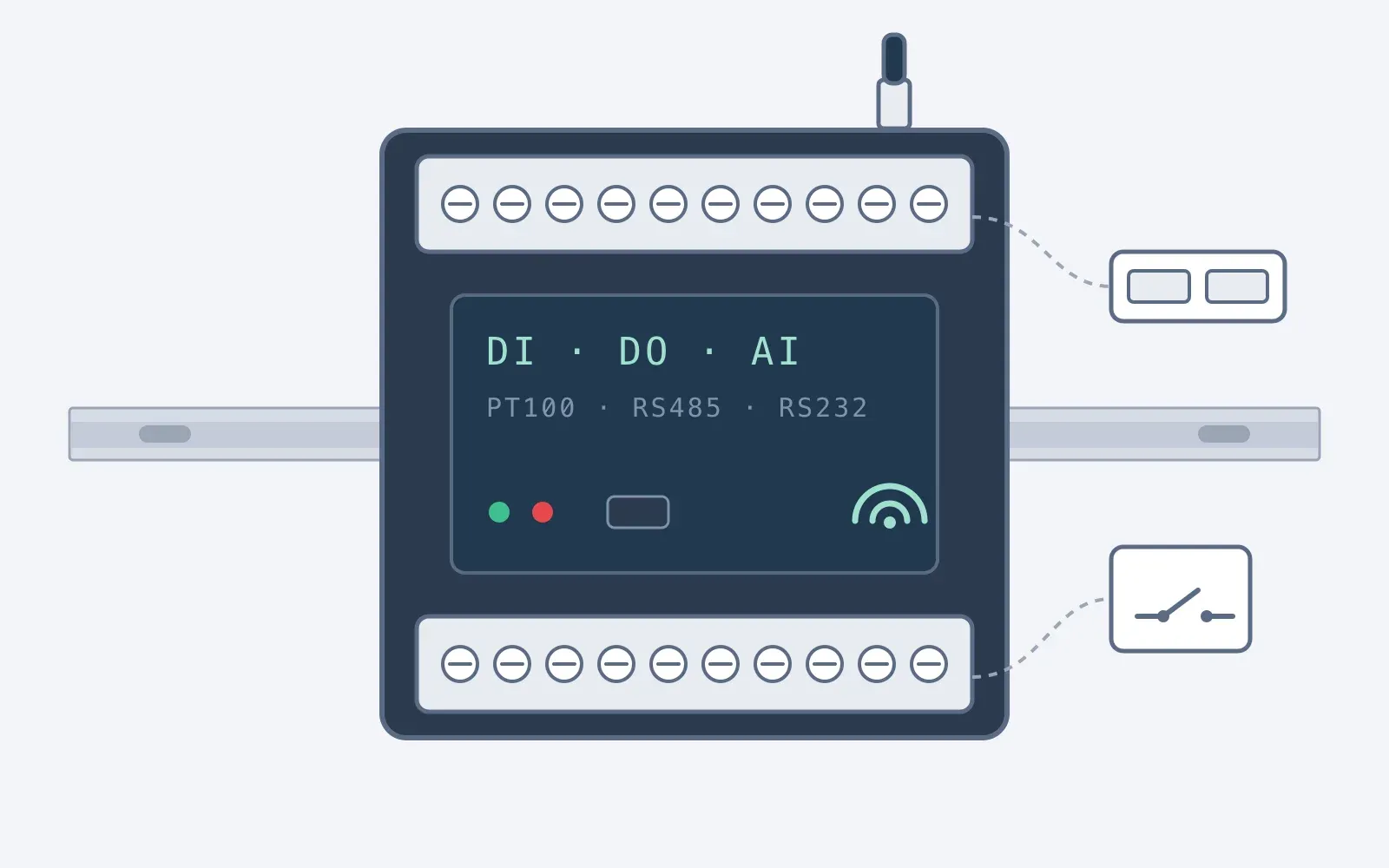
A DIN rail controller that takes signals from door control panels and other equipment and reports them over LoRaWAN to Sematics. It has four digital inputs, four analogue inputs, two PT100 inputs, RS485 with Modbus RTU and RS232, and two relay outputs for agreed signals, switched by its own rules or by a command from Sematics. We supply it as an approved Milesight reseller.
- LoRaWAN
- Digital inputs
- Analogue and PT100
- Relay outputs
- Digital inputs
- 4, opto-isolated, 3 to 24 V DC; on and off states or pulse counting
- Relay outputs
- 2, SPDT relay contacts, maximum 3 A at 30 V DC or 250 V AC
- Analogue inputs
- 2 × 4 to 20 mA and 2 × 0 to 10 V, 12 bit
Key specifications
Milesight UC300 at a glance
From the product information on our current range. Ask us for the full specification.
| Digital inputs | 4, opto-isolated, 3 to 24 V DC; on and off states or pulse counting |
|---|---|
| Relay outputs | 2, SPDT relay contacts, maximum 3 A at 30 V DC or 250 V AC |
| Analogue inputs | 2 × 4 to 20 mA and 2 × 0 to 10 V, 12 bit |
| PT100 inputs | 2, 2-wire or 3-wire, −200 °C to +800 °C |
| Serial | 1 × RS485 (Modbus RTU or transparent) and 1 × RS232 |
| Connectivity | LoRaWAN, EU868, Class C; OTAA or ABP; external antenna |
| Local rules | Up to 16 IF-THEN commands that run on the controller, even without a network |
| Power | Permanent 5 to 24 V DC on a terminal block (Class C, no battery), or 5 V by USB Type-C |
| Enclosure | Black metal case, IP30, for indoor use; 93 × 70 × 22 mm; DIN rail, wall or desktop |
What it does on a door, and beyond
| Use | What it does | Where |
|---|---|---|
| Door controller signals | The panel's relay outputs (closed, moving, closing, fault) into the digital inputs: open time, cycles, closing times and faults in Sematics | High-speed, roller and dock doors with a control panel |
| Door controller data | RS485 Modbus RTU, where the controller supports it and the door maker provides the register map: for example position, cycle count, motor current or fault status | Door controllers with a Modbus interface |
| Agreed signals back | A relay output into an input the door maker provides, for a beacon, a sounder, an indicator or another non-safety signal, only as agreed with you and your door contractor | Industrial doors |
| Control from a reading | A relay switched from a sensor reading: one customer used a UC300 to switch heating on when humidity rose above 60%, as a stop-gap until their building management system was installed | Plant, rooms and other equipment |
Connections inside a door control panel are made by your door contractor, and inside other panels by a qualified electrician. Mains loads such as heaters are switched through a contactor, so the UC300's relay stays on the control side. We ask for panel outputs set so that a lost signal reads as not closed.
Datasheet
Full specifications
Every table from the datasheet, as published.
Milesight publishes the datasheet and user guide for the UC300. Ask us and we will send them with a plan for your doors. Ask for the specification
Digital inputs and outputs
| Ports | 4 digital inputs and 2 digital outputs |
|---|---|
| Digital inputs | Opto-isolated, 3 to 24 V DC. A volt-free (dry) contact is wired with a DC supply in the loop; a wet contact provides its own |
| Input modes | Digital input or pulse counter, up to 4,000 Hz; counts are kept through a restart |
| Digital outputs | SPDT relay contacts, maximum 3 A at 30 V DC or 250 V AC |
| Output state when power returns | Open or closed, as configured; while unpowered, the relay rests in its de-energised position |
| Terminals | 3.5 mm terminal blocks |
Analogue and PT100 inputs
| Analogue ports | 2 × 4 to 20 mA and 2 × 0 to 10 V |
|---|---|
| Resolution | 12 bit |
| Accuracy (as published) | 4 to 20 mA: ±5%; 0 to 10 V: ±1% |
| PT100 ports | 2 × PT100 RTD, 2-wire or 3-wire |
| PT100 range | −200 °C to +800 °C, 12 bit |
We do not calibrate the UC300's inputs. For temperature records, use a Node+ sensor with traceable or UKAS calibration.
Serial ports
| Ports | 1 × RS485 and 1 × RS232 |
|---|---|
| Baud rate | 1,200 to 115,200 bps |
| RS485 | Modbus RTU or transparent |
| RS232 | Transparent |
| Modbus | Up to 32 Modbus channels (one register each), across up to 32 devices |
Wireless
| Protocol | LoRaWAN; Milesight D2D |
|---|---|
| Frequency band | EU868 (UC300-868M) |
| Class and activation | Class C; OTAA or ABP |
| Transmit power | 16 dBm at 868 MHz |
| Sensitivity | −137 dBm at 300 bps |
| Antenna | External, 50 Ω SMA connector |
Rules and control
| IF-THEN commands | Up to 16, each with up to 2 conditions and 3 actions; they run on the controller, even without a network |
|---|---|
| Conditions | A digital input state held for a set time, a pulse count, an analogue or PT100 threshold held for a set time, a time, a restart, or a message from the server |
| Actions | Switch a relay output, with a delay and a duration; send a message; restart |
| Remote control | Relay outputs switched by a LoRaWAN downlink, for a set duration or until changed |
| Other features | Threshold alarms, data storage, data retransmission |
Nothing is switched by default. Before any rule or command is set up, we agree with you exactly what it may control and the safeguards around it. The UC300 is not a safety device and is never used for a safety function; commands can be sent with a set duration, so a lost message does not leave a relay switched.
Data storage
| Local storage | Up to 1,000 records, logged at the reporting interval |
|---|---|
| Retransmission | Interval records missed during a network outage are resent when the connection returns |
| During an outage | Individual input changes, such as each door opening, are not stored; pulse counts are kept |
Power, mechanical and environmental
| Power supply | 5 to 24 V DC on a 2-pin terminal block, with surge and reverse polarity protection; or 5 V by USB Type-C. As a Class C device it needs permanent power |
|---|---|
| Configuration | USB Type-C or LoRaWAN downlink |
| Case | Black metal, IP30 |
| Dimensions | 93 × 70 × 22 mm, antenna connector excluded |
| Weight | 142.3 g |
| Mounting | DIN rail (35 mm), wall or desktop |
| Operating temperature | −20 °C to +60 °C |
| Humidity | 0 to 95% RH, non-condensing |
| Declared conformity | CE, FCC and RoHS (Milesight) |
IP30 is for indoor use, inside a control panel or an enclosure, on the warm side of a cold store or freezer and away from condensation. Inside a metal panel, the antenna is usually mounted outside the panel on a short cable, agreed with your door contractor.
Typical uses
Where it is used
Compatible
Compatible gateways
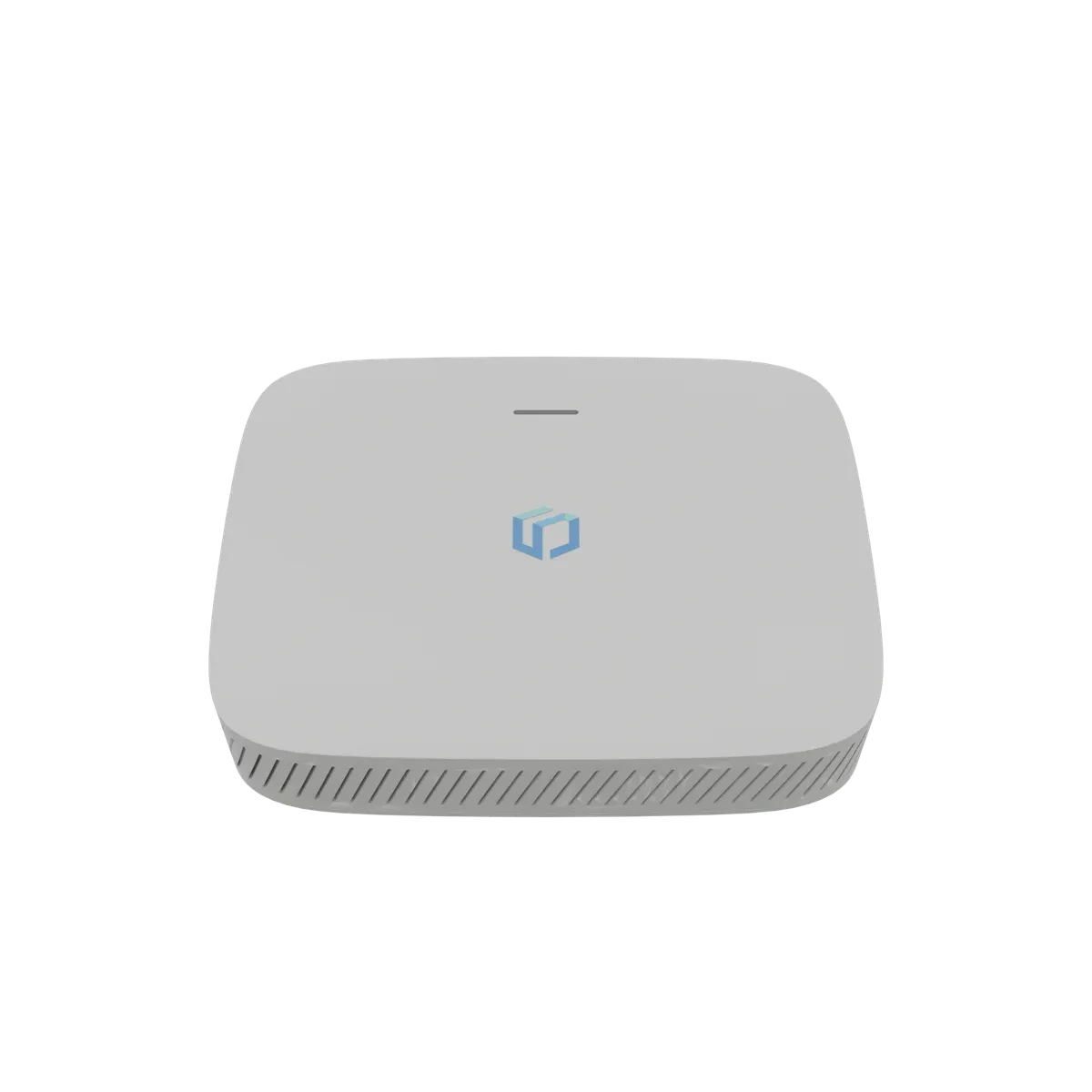
The controller reports over LoRaWAN through the Link+ gateways on your site, the same gateways that carry your Node+ readings.
Works with Sematics
Readings become records, alarms and agreed actions
Door states, inputs and readings land on the same Sematics account as your temperature sensors. Where you want Sematics to switch an output, we agree with you exactly what it may control, and the safeguards around it, before anything is set up.
Next step
Know what you need?
Tell us your sites, units and the services you want, and we'll send a written quote. If you'd rather talk it through first, call us.
Get a quote
or call 0121 794 8092