Data-driven decision making in the cold chain means using your monitoring records, not assumptions, to decide where to act: which cold room keeps drifting, which loading bay keeps doors open too long, which vehicle's refrigeration unit is wearing out. Most operations already collect this data for compliance; few use it to run the operation.
The Sematics platform processes 11 million+ temperature readings a day. This guide covers the metrics worth tracking, how to get from a pattern to a cause, and how to build a review routine that turns monitoring into fewer incidents rather than more reports.
What it means in practice
It is the practice of using real-time and historical data to guide day-to-day and longer-term choices. In a cold chain that means:
- Tracking a few key metrics: excursions, time out of range, alarm response times, door-open time, journey delays.
- Capturing accurate data from stores, vehicles and portable units on one platform, with sensors that are calibrated.
- Looking for patterns by site, unit, vehicle, shift or supplier, and acting on the cause before the next excursion.
The same records support your evidence under GDP for medicines, BRCGS and food hygiene rules for food, and ISO 15189 for labs. Accurate data starts with calibration: we provide calibration for every sensor we supply: traceable to national standards as standard, or UKAS accredited where you need it (temperature in our own UKAS accredited calibration laboratory No. 10723, accredited to ISO/IEC 17025; other parameters through accredited partners).
The metrics worth tracking
| Metric | What it tells you |
|---|---|
| Excursions per unit, per month | Which stores, fridges or vehicles have a recurring problem |
| Time out of range | How serious each excursion was, not just how many there were |
| Alarm acknowledgement time | Whether alarms are reaching people who act, especially out of hours |
| Door-open time and frequency | Whether loading, picking or restocking practice is causing rises |
| Data completeness | Whether sensors and gateways are reporting reliably, with no gaps in the record |
| Journey delays and stop times | Where routes or handovers put loads at risk |
Monitoring as a management tool
Monitoring is usually bought for compliance. The operations that get most from it treat the dashboard as a management tool, with:
- Live dashboards showing every store, room and vehicle across all sites
- Alarms for excursions, doors left open and sensors that stop reporting, sent to named people with escalation
- Historical comparison by vehicle, depot, site or supplier
From pattern to cause
A single excursion is an event to investigate. The same excursion every weekday morning is a pattern with a cause. Overlaying temperature with door events and time of day often points straight at it: a delivery that arrives at the same hour, a bay door propped open during loading, a defrost cycle set at the wrong time.
Rise lines up with loading-bay door openings
An illustrative chilled store trace: a rise above the limit at the same time each morning, matching door-open events during loading.
Often the fix is a small change in practice, such as staging loads, closing a door between pallets or moving a delivery slot, rather than new equipment or a new transport partner. The data tells you which, and then shows whether the change worked.
Turning insight into action
- CollectReadings, alarms and door events from every site and vehicle on one platform.
- ReviewMonthly performance report: excursions, time out of range, response times.
- Find the causeCompare units, sites and shifts; overlay doors and journeys.
- ActChange a practice, repair a unit or adjust an alarm limit, and record why.
- CheckNext month's report shows whether it worked.
A simple routine for quality and operations leads.
The platform supports each step with:
- Real-time alarms that reach a person before stock is lost
- Trend reports that show recurring risks and underperforming units
- Asset-level history to plan maintenance and trailer rotation
- Alarm limits set per unit, for products such as vaccines and clinical samples
- Scheduled reports for quality teams, auditors and inspectors
Common traps
- Too many alarms. If every door opening alarms, people stop responding. Set limits and delays per unit so an alarm means something, and review them when the data shows nuisance alarms.
- Reports nobody reads. A monthly report only helps if someone owns it and acts on it. Name the owner and put the review in the diary.
- Comparing unlike units. A walk-in cold room and an under-counter fridge behave differently. Compare like with like, or set targets per unit type.
- Trusting uncalibrated data. A trend from a sensor that reads half a degree high is a trend in the sensor, not the store. Keep calibration current.
- Closing the excursion, not the cause. Record why it happened and what changed, so the next review can check the fix held.
What a data-led approach delivers
Results depend on your starting point, so set a baseline before you begin and measure against it. The improvements customers report are consistent in kind: fewer repeat excursions, shorter investigations, fewer gaps in the record and simpler audits. Two published examples:
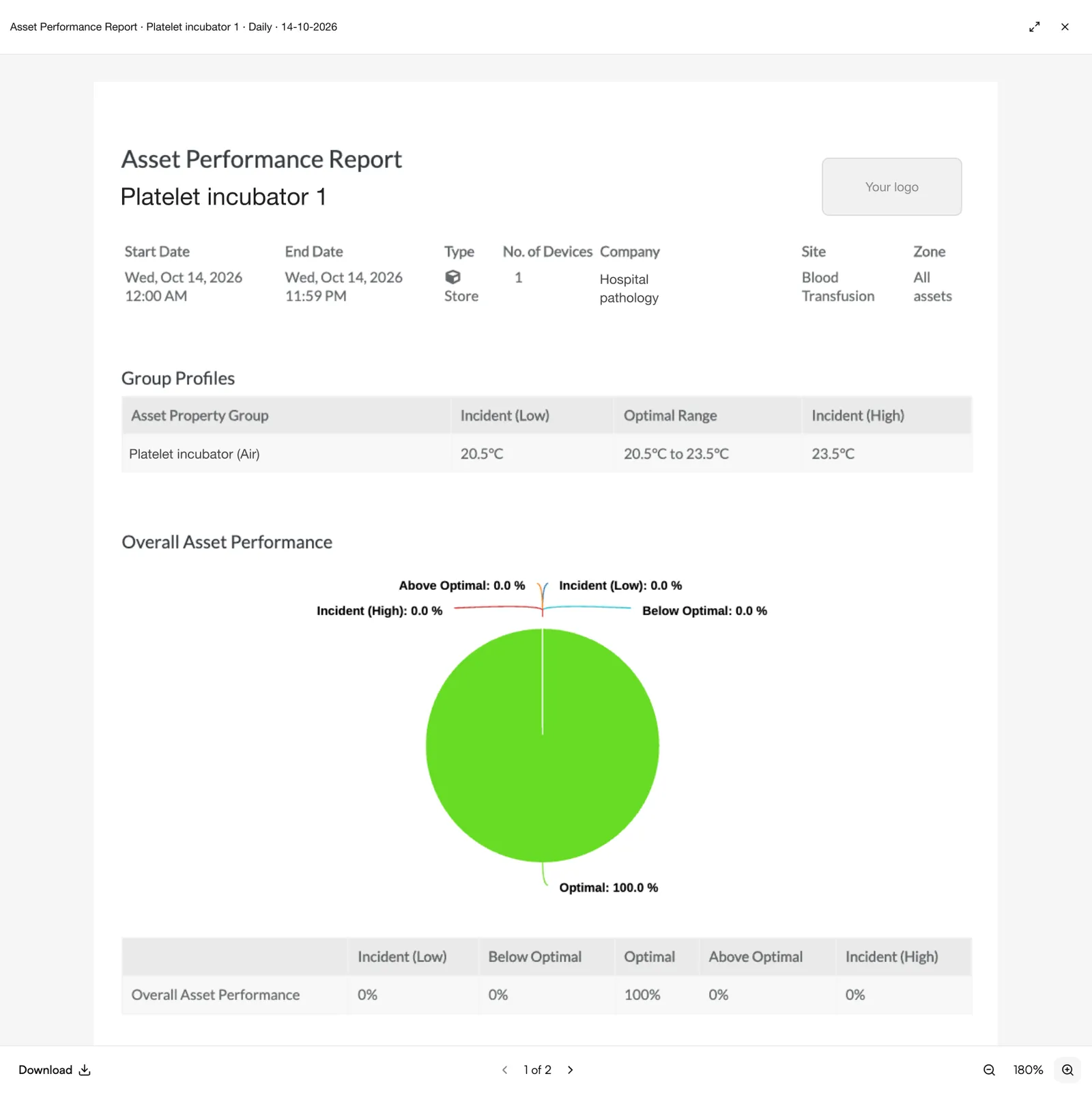
- 99% optimal temperature performance at Nestlé UK & IRE's UK warehouse, with 100% data completeness. See the Nestlé case study.
- Over 95% optimal performance across a 25-site food distributor, many sites at 99%. See the food distributor case study.
How JTF supports it
- Fixed-site monitoring for stores, rooms and fridges, with calibrated sensors
- Fleet and refrigerated vehicle monitoring on the same platform
- One view of storage, transport and delivery
- Regular performance reviews with an improvement plan, as part of a service agreement
For how the pieces fit together across a supply chain, read end-to-end cold chain monitoring and alarms and reporting.
Questions people ask
What data should a cold chain operation track?
Start with excursions per unit, time out of range, alarm acknowledgement time, door-open time and data completeness. For fleets add journey delays and stop times. A few well-chosen metrics reviewed monthly beat a dashboard nobody reads.
How do I find the cause of repeated excursions?
Look for the pattern: the same unit, time of day or shift. Overlay temperature with door events and delivery times; a rise that matches loading usually points to practice rather than equipment.
Does the same data work for audits?
Yes. The readings, alarms, responses and notes you use to manage performance are the same audit trail an inspector or auditor will ask to see.
Sources
- EU Guidelines on Good Distribution Practice of medicinal products for human use (2013/C 343/01), applied in Great Britain by the MHRA
- BRCGS Storage and Distribution (Issue 4) Standard
- The Food Safety and Hygiene (England) Regulations 2013, Schedule 4 (temperature control)
- ISO 15189:2022 Medical laboratories: requirements for quality and competence